
The goal of this project was to create an app prototype using Figma.
Food waste is a common issue. People loose track of what food they have, when it expires, and how to prioritize perishable ingredients. This results in people overspending and throwing away food.
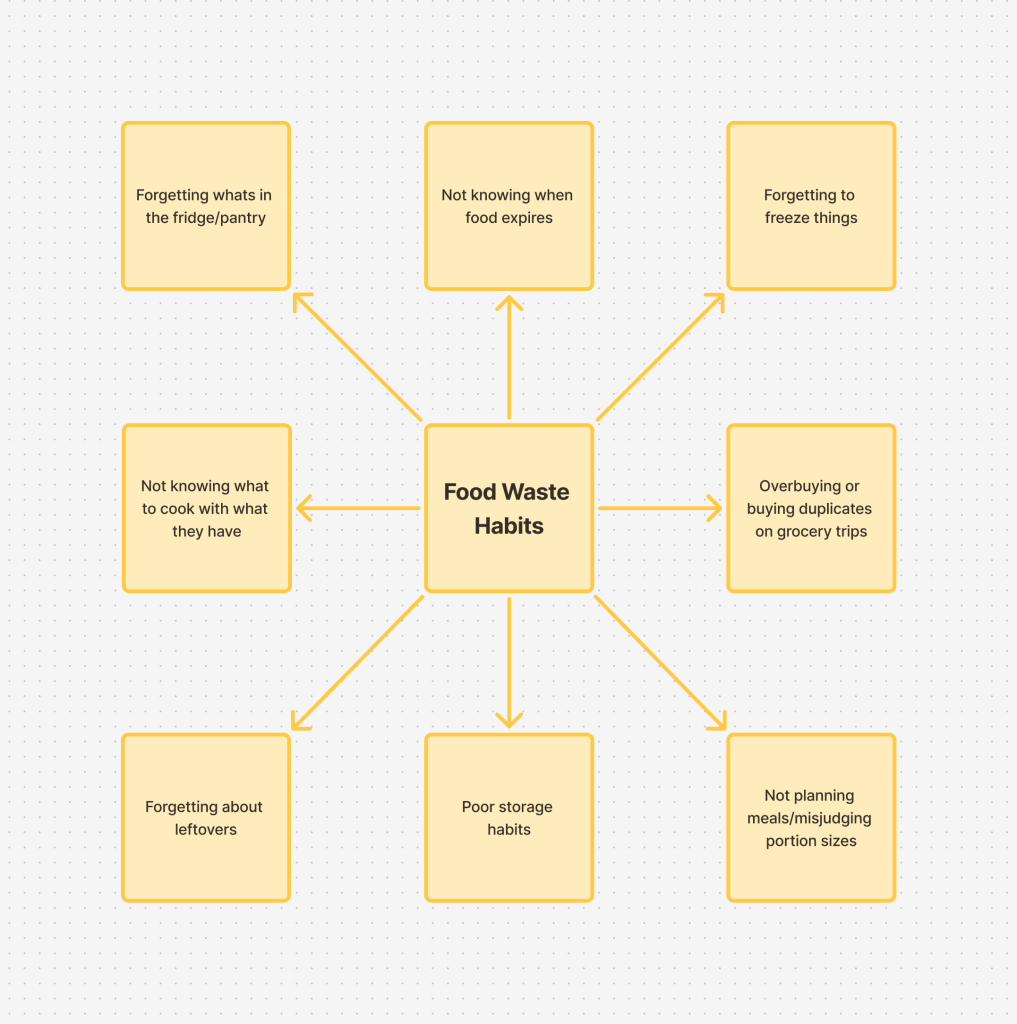

This App will solve these problems!
Meet KitchenHUB, your all-in-one fridge tracking app designed to reduce food waste using a Detailed Inventory, Expiration Reminders, Meal Plan Log, and Smart Recipe Suggestions.
KitchenHUB features include:
- Meal Planning
- Recipe Suggestions
- Quick Item Logging
- Fridge & Pantry Inventory
- “Use Soon” Expiring Items Section
- Expiration Reminders

Now that you know what KitchenHUB does, let’s look at the design.
After designing the necessary components – login, profile & setting – the home page was made to be a summary of the three main features.
- Pantry
- Meal Planning
- Recipe + Suggestions
As the design grows, more features came to light.
- Shopping List
- Smart add – from recipes
- Item suggestions

After working on the initial layout of the application, it was time to draw out the ideas. Using index cards and sticky notes, I laid out the whole app.

Once I had the app planned out I was ready to move to designing it digitally. Using Figma, I created each page of the app, creating components along the way. I began with a simple, low fidelity wireframe, which helped to simplify the transition.


Once the wireframe was complete, I went back in and decorated it with a nice font and color. This app is meant to ease stress off of people when they need to plan and organize. With that in mind, I decided to go with minimalist, light blue for its calming effects and clarity.
The app now looking clean and finished the last objective was to add the interactive elements. A long time was spent mapping out each of the buttons, especially the bookmark and star buttons.

The hardest part was creating the interactive element of the navigation bar. Using inspiration from tutorials, I created a beautiful navigation bar with animation sequences. Unfortunately, although everything had been done correctly, I was unable to resolve the glitching when transitioning.
That aside, I was incredibly happy with how this app turned out. I gained a lot of experience and familiarity with Figma during this project. It taught me the importance of mapping ideas out and creating visual mockups.